


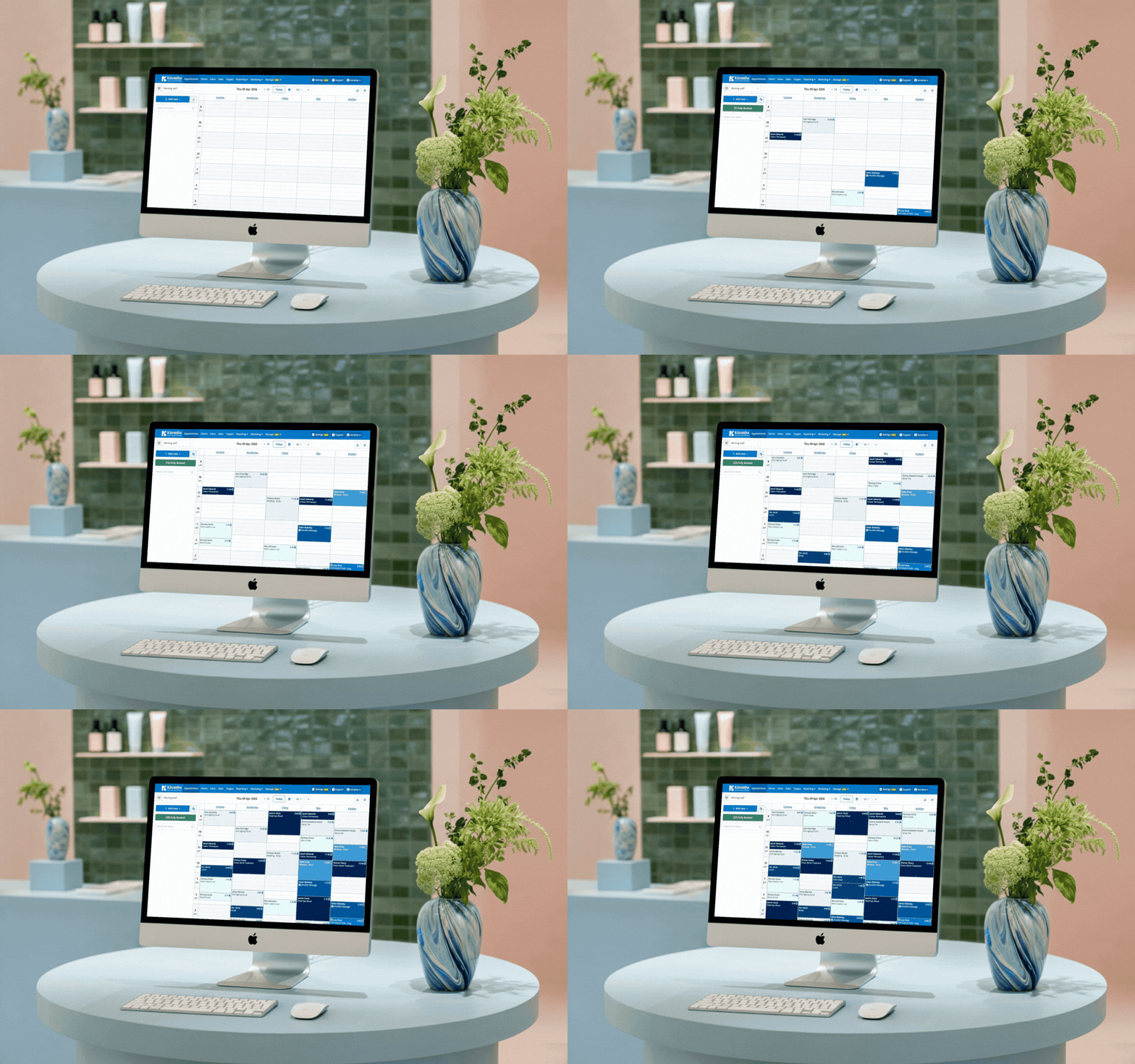
You’ve seen it in your dashboard: the gaps, the no-shows, the cancellations, and the revenue that goes with them. Now there’s a solution.
Our new Fully Booked feature is here; it fills that appointment slot automatically the moment it opens. No staff time spent chasing clients, no scrolling through your list trying to find someone free, and no lost bookings. Fully Booked recovers it for you, tracks it in your dashboard, and only charges you when it works.
Here’s how it works
- A gap opens in your appointment book, whether that’s a last-minute cancellation or a no-show.
- Fully Booked checks your client database for the best match for that slot and sends them a text with a link to book.
- The client books online through Kitomba Online Booking. The appointment appears in your calendar automatically.
- You see the recovered booking and the revenue it brought back, tracked in your Fully Booked dashboard.
You stay in control
Automation only works if you can trust it, so Fully Booked is built with limits from the start.
Clients can opt out at any time by replying STOP. No client gets more than two Fully Booked messages in any 30-day period, and messages are spaced at least seven days apart. Everything Fully Booked sends and books is visible in your dashboard, so you always know what’s happened in your name.
What it costs
Here’s the best bit… no success, no fee. You’re only charged when Fully Booked actually recovers a booking, and the SMS cost is covered by Kitomba. There’s no upfront subscription and nothing to pay while it’s sitting quietly in the background.
Getting started
Fully Booked is available now if you already have Kitomba Pay and Online Bookings switched on. If you don’t have Kitomba Pay yet, that’s the first step, since Fully Booked can’t run without it.
Not set up with Kitomba Pay yet? Sign up for Kitomba Pay to get Fully Booked ready to go.
Learn more about Fully Booked here.